
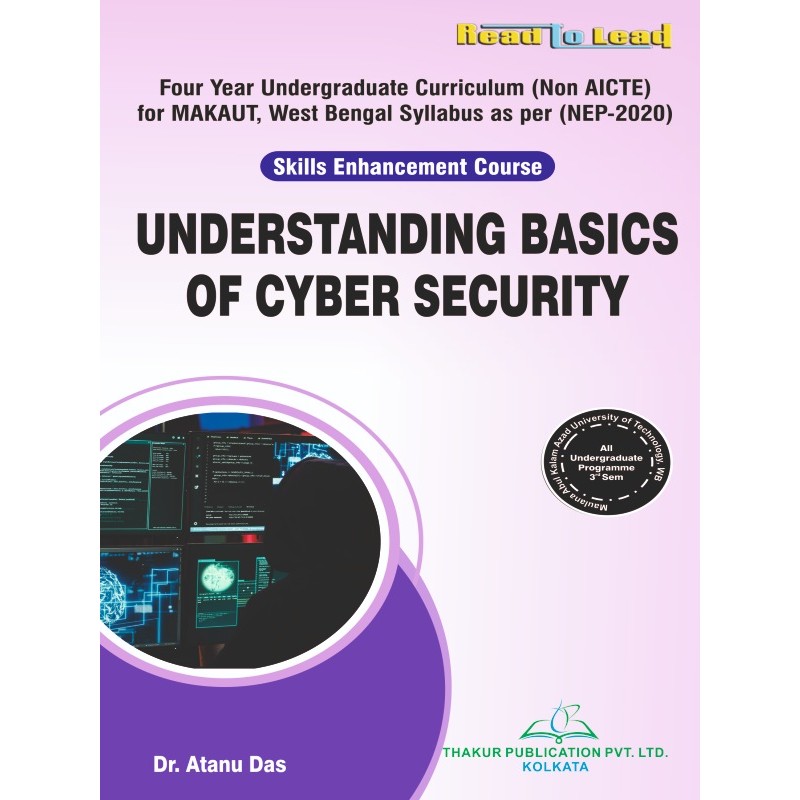


Authors : Dr. Antanu Das.
ISBN : 978-93-6180-563-9
Syllabus
Course Code: MIC301A
Word and PowerPoint & Spreadsheet Application with Excel
|
Chapter
|
Name of the Topic
|
Hours
|
|
Unit-I
|
Word
Introduction on Word, File Operations (Opening, Creating, Sorting, Closing), Text Editing (Cut / Move, Copy, Undo, Redo), Text Formatting (Text Color, Text Border, Advanced Formatting, Adjusting Space between Characters, Positioning the Character, Superscript, Subscript, Raised, Lower of Text, Change case), Page Setup, Print Preview. Paragraph Alignment, Line Spacing, Indent, Drop cap, Border and Shading, Bullets and Numbering, Find and Replace and Go to. |
10 |
|
Unit-II
|
Word
Spelling and Grammar, Auto Text, Auto Correct, Word Count, Text Background, Break, Columns, Header Footer, Inserting Object/Picture/ Symbol / Drawing and Editing, WordArt, Tab Setting. Creating of Table, Selecting, Moving, Typing, Inserting Row/Columns in a Table, Applying Border, Sorting, Table Auto Format, Merging the Cells, Converting Table to Text and Vice Versa, Cell coloring, Mail Merge, Different Views, Ruler, Zooming. |
10 |
|
Unit-III
|
Power Point
Introduction to PowerPoint, Overview of Presentation Software and its Applications, Introduction to PowerPoint Interface and Features, Creating, Saving, and Opening Presentations, Working with Slides, Text Boxes, and Placeholders, Formatting Text, Shapes, and Images, Using Templates and Themes for Visual Enhancement, Choosing Appropriate Slide Layouts, Customizing Slide Backgrounds and Colors, Adding and Formatting Images, Charts, and Graphs, Using Animation and Transition Effects, Master Slides and Slide Numbering, Design Principles for Effective Presentations |
10 |
|
Unit-IV
|
Power Point
Inserting Audio and Video Files, Editing and Trimming Multimedia Elements, Adding Hyperlinks and Action Buttons, Creating Interactive and Engaging Presentations, Running and Navigating Slide Shows, Setting up Slide Show Options (Timings, Loops, Narrations), Using Presenter View and Annotations, Rehearsing Timings and Managing Slide Transitions, Tips for Delivering Effective Presentations |
10 |
|
Unit V
|
Excel
Introduction of Excel. File Operations and Text Operations, Concept of Workbook, Worksheet, Cell, Row, Column and Range, Copying and Moving the Content of a Cell, Inserting Cell / Row/Column, Deleting cell / Row / Column, Entering formula in a cell. Functions (Mathematical and Statistical Functions, Text Functions, Logical Functions). |
10 |
|
Unit VI
|
Excel
Auto Sum, Cell Formatting, Fill handle, Auto Fill, Graph, Chart, Types of Charts, Auto Shape, Various Types of Charts, adding Data Series. Data form, Auto Filter, Advanced Filter, Sort, Subtotal, Pivot Table, Data Validation, Goal Seek. |
10 |
Your review appreciation cannot be sent
Report comment
Report sent
Your report cannot be sent
Write your review
Review sent
Your review cannot be sent
Authors : Dr. Antanu Das.
ISBN : 978-93-6180-563-9
check_circle
check_circle